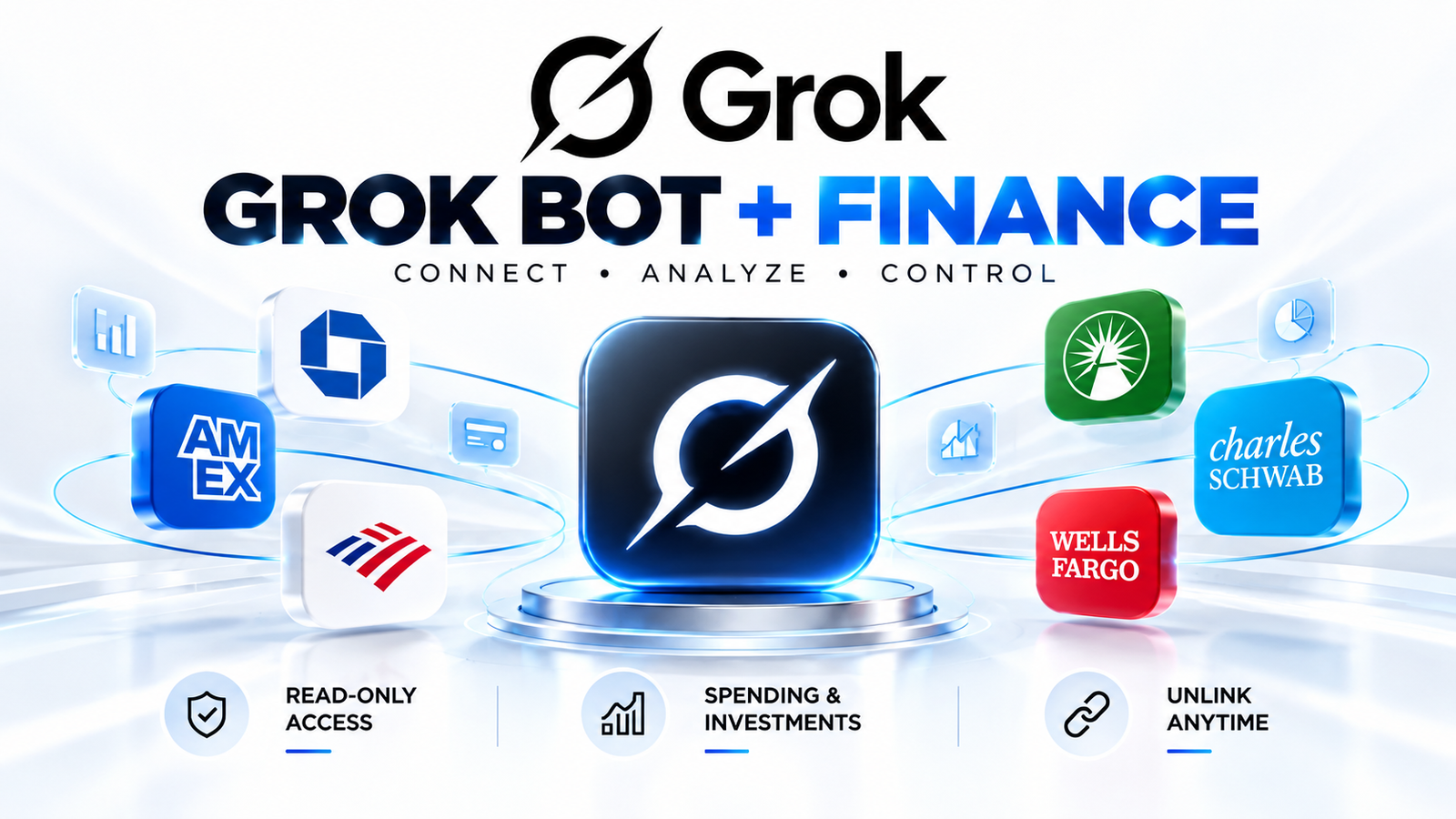
Grok Bot’s new Finance integration lets you link bank, card, and investment accounts and ask it to help manage your spending and investments. Access is read-only, Grok Bot never sees your logins, and you can unlink at any time. Below are seven prompts that put it to work. Tap Copy prompt, paste it into Grok Bot, and replace anything in [brackets]
The 7 prompts
1. The audit
Finds where your money is really going.
Go through every transaction from the last 90 days. Group them by category, show me the three categories that grew the most, and the one line on the statement I’d be surprised by.
2. The subscriptions
Spots charges you forgot about.
List every recurring charge on my accounts, how much each costs per year, and the last time I used the service if you can tell. Flag anything I haven’t used in 60 days. Don’t cancel anything yourself. Give me the cancel link for each.
3. The Sunday report
A weekly money summary on autopilot.
Every Sunday at 6pm, send me a one-page report. Money in, money out, what I saved, the biggest surprise, and one decision for the week ahead. Save this as a routine.
4. The bills
Never miss a due date again.
Put every bill and its due date in my calendar two days early. On the morning anything over [AMOUNT] is due, message me the amount and which account it comes from.
5. The savings target
Turns a goal into a plan.
I want to save [AMOUNT] by [DATE]. Tell me if that’s possible on my current spending, the three cuts that get me there, and the automatic transfer that would do it. Set nothing up until I say yes.
6. The price watch
Buy at the right price.
I’m planning to buy [ITEM]. Watch the price on at least three sites and message me the day it drops below [PRICE], with the link.
7. The tax folder
Gets your records ready for your accountant.
Find every receipt and invoice in my email and Drive from this tax year. File them in a folder by month, and build a spreadsheet of totals by category that I can send to my accountant.
Tips for better results
- Start with prompt 1 or 2. They show you quickly whether your accounts connected properly.
- Prompts 3, 4, and 7 use your calendar, email, or Drive, so they only work if you’ve connected those apps too.
- Check the numbers against your bank app before you act on anything.
- Use the “don’t do it yet” lines. Prompts 2 and 5 tell Grok not to cancel or set up anything until you approve, so keep those lines in.
Frequently asked questions
Can Grok Bot really connect to my bank?
Yes. You link bank, card, and investment accounts through the Finance integration, which connects through Plaid.
Can it move my money or cancel things?
Access is read-only. Prompts 2 and 5 also tell it not to cancel or set up anything without your approval.
Is it safe?
Grok Bot says it never sees your logins, and you can unlink anytime. Still, check any reports it sends and avoid connecting apps you don’t want it posting to.
Is it available in India, the UK, or Pakistan?
I couldn’t confirm. The earlier Grok and Plaid link-up was announced for US users, so check the Finance listing in Grok Bot. thepaypers
Do these prompts work in ChatGPT or Claude?
The wording works anywhere, but the bank-linked ones need an assistant that can access your accounts.
More prompts: browse the Prompts library.